🏴 Introduction:
Welcome to the world of Infrastructure as Code (IaC) with Azure Resource Manager (ARM) templates! If you’re new to cloud computing or looking to streamline your deployment process on Microsoft Azure, ARM templates are a powerful tool worth mastering. In this comprehensive guide, we’ll walk through the basics of building your first ARM template, catering to audiences of all experience levels.
🏴 Understanding ARM Templates:
Azure Resource Manager (ARM) templates are JSON files that define the resources you need to deploy for your solution in Azure. These templates follow a declarative syntax, meaning you specify what resources you want, and Azure takes care of the how. Let’s break down the architecture of an ARM template to understand its key components.

- Schema and Content Version:
- Every ARM template starts with a schema and content version. The schema defines the version of the ARM template language, and the content version allows you to version your template.
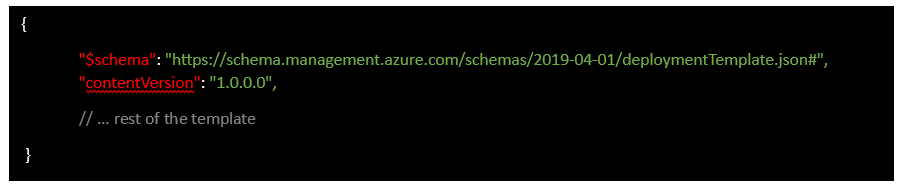
{
     "$schema": "https://schema.management.azure.com/schemas/2019-04-       01/deploymentTemplate.json#", "contentVersion": "1.0.0.0",
     // ... rest of the template
}- Parameters:
- Parameters allow you to input values when deploying the template, making it flexible for different scenarios. They act as variables that users can define at deployment time.
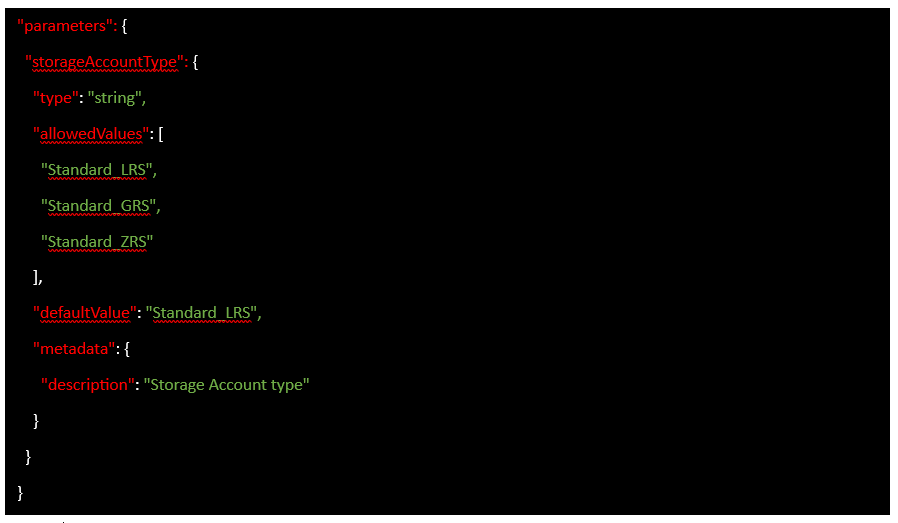
"parameters":
{ "storageAccountType":
{ "type": "string",
"allowedValues":
[ "Standard_LRS",
 "Standard_GRS",
"Standard_ZRS"
 ],
 "defaultValue": "Standard_LRS",
"metadata": { "description": "Storage Account type" } } }- Variables:
- Variables help you simplify and reuse expressions within your template. They are defined based on parameters or calculated values.

"variables": { "storageAccountName": "[concat(uniquestring(resourceGroup().id), 'store')]" }- Resources:
- The core of the ARM template is the “resources” section, where you define the Azure resources you want to deploy. Each resource has a type, name, API version, location, and properties.
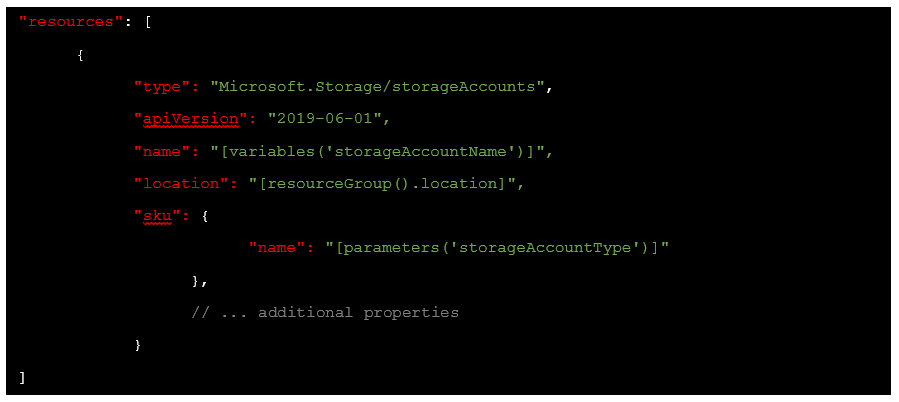
"resources": [
 {
 "type": "Microsoft.Storage/storageAccounts",
"apiVersion": "2019-06-01",
"name": "[variables('storageAccountName')]",
"location": "[resourceGroup().location]",
 "sku": {
"name": "[parameters('storageAccountType')]"
},
// ... additional properties } ]- Outputs:
- The “outputs” section allows you to retrieve information from the deployed resources. This is useful for getting values like connection strings or public IP addresses.
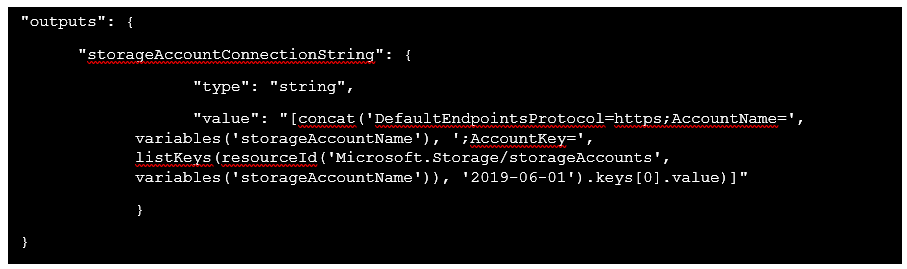
"outputs":
{
"storageAccountConnectionString":
{
"type": "string",
"value": "[concat('DefaultEndpointsProtocol=https;AccountName=', variables('storageAccountName'), ';AccountKey=', listKeys(resourceId('Microsoft.Storage/storageAccounts', variables('storageAccountName')), '2019-06-01').keys[0].value)]"
}
}
🥇 Building Your First ARM Template:
Now that we’ve covered the basic structure, let’s build a simple ARM template for deploying a storage account.
- Define Parameters:
- Identify the parameters needed for your template, such as the storage account type.
- Set Variables:
- Define variables for dynamic values like the storage account name.
- Declare Resources:
- Specify the resources you want to deploy, like the storage account.
- Create Outputs:
- If there’s valuable information to extract, define outputs for easy access.
🔨 Tools:
You can use this tool from Azure to build your first ARM template
- First Navigate to https://portal.azure.com/#create/Microsoft.Template
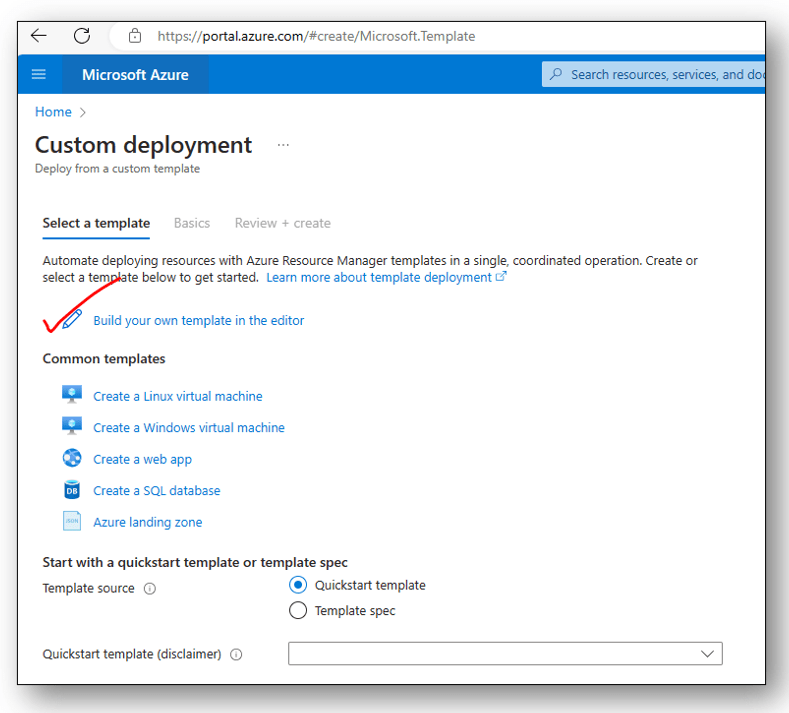
2. Upload your ARM template

🏴 References:
Look at the below repositories to grab a few samples for your ARM template:
https://github.com/Azure/azure-quickstart-templates
🏴 Conclusion:
Congratulations! You’ve just created your first ARM template. While this guide provides a fundamental overview, the world of ARM templates is vast and powerful. As you gain experience, you can explore advanced concepts like linked templates, conditionals, and template functions to enhance your infrastructure provisioning capabilities. Happy coding!
 Azure4you By Lalit Rawat
Leave a comment